01 / THE READING ROOM
Read the web.
Leave the noise.
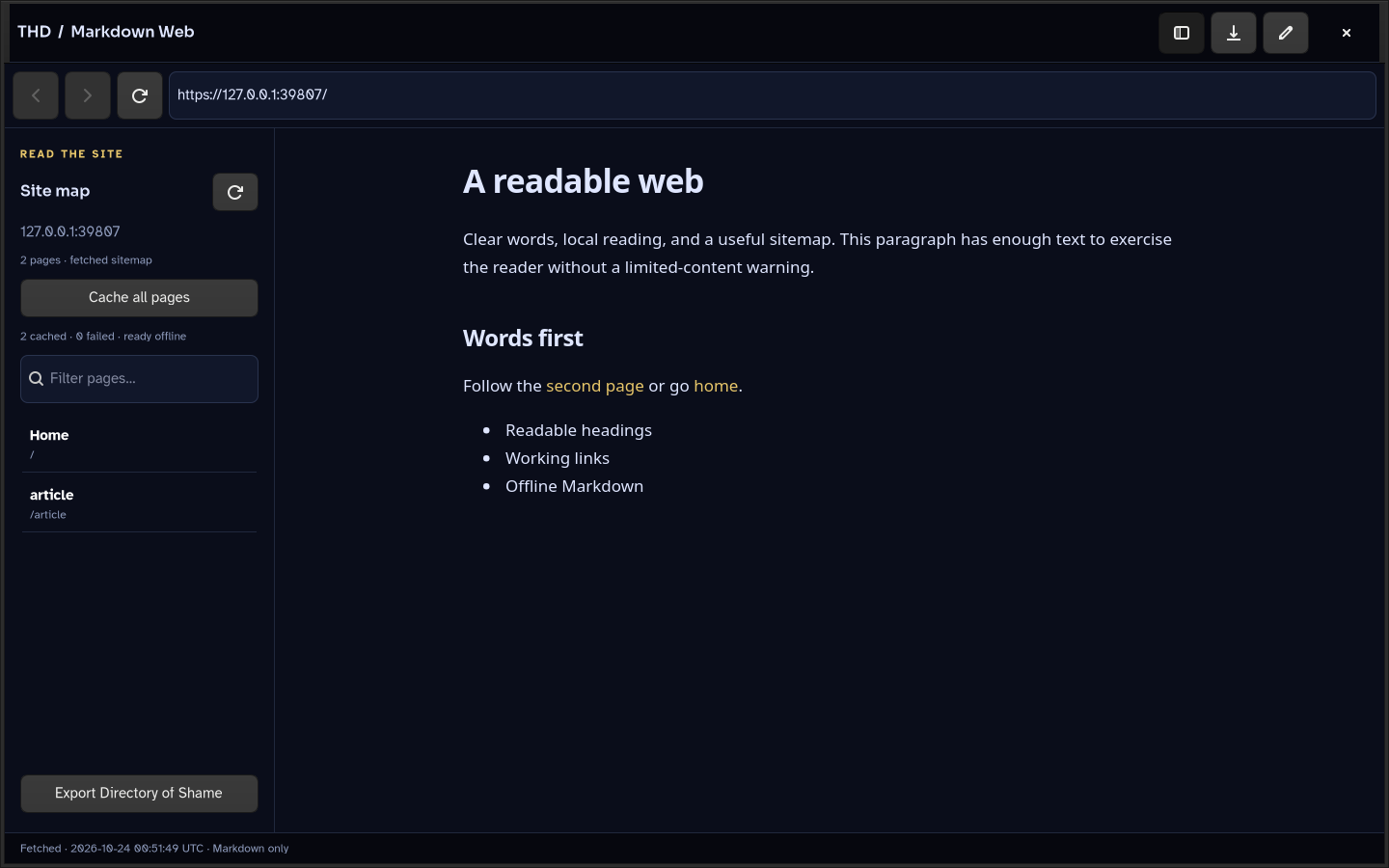
Turn a domain or sitemap into a library of Markdown. No page scripts, embedded images, or styles. Cache the pages, then read offline.
 nebula.
THE HIDDEN DOOR / NEBULA
Four open-source tools for reading, writing, marking up, and keeping what matters. Files on your terms. Keys in your hands.
NO REQUIRED APP SUBSCRIPTION NO TRACKING ON THIS SITE
NebulaBuild a home. Keep the keys.
READ / CREATE / ANNOTATE / PROTECTFOUR PILLARS. ONE WAY OF THINKING.
Useful on their own.
Better when your tools
work together.
Turn a domain or sitemap into a library of Markdown. No page scripts, embedded images, or styles. Cache the pages, then read offline.
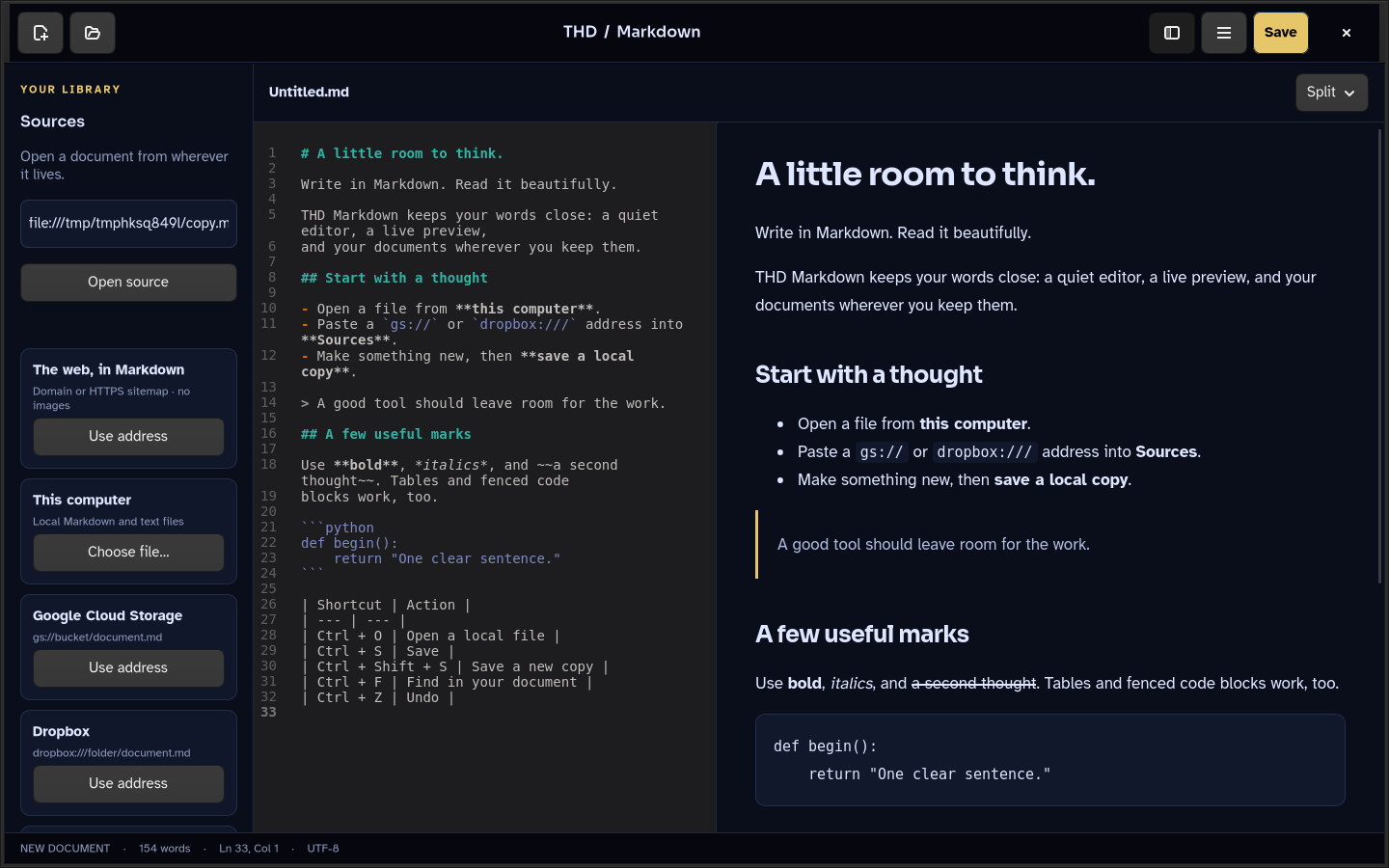
Write in Markdown with a clean editor and a script-disabled preview. Open local files or connected sources. Save locally or to your Vault.
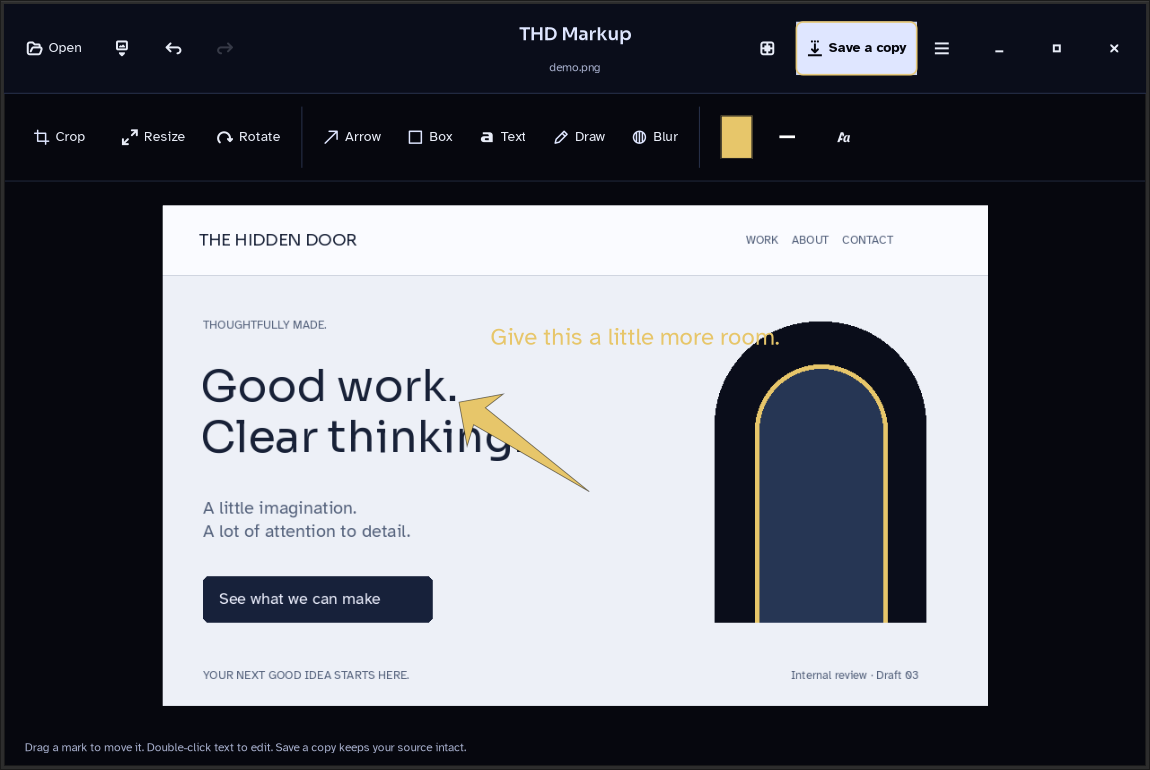
Annotate, crop, rotate, and export images in a native desktop app. Work on local files, open images from your Vault, and save a marked-up copy.
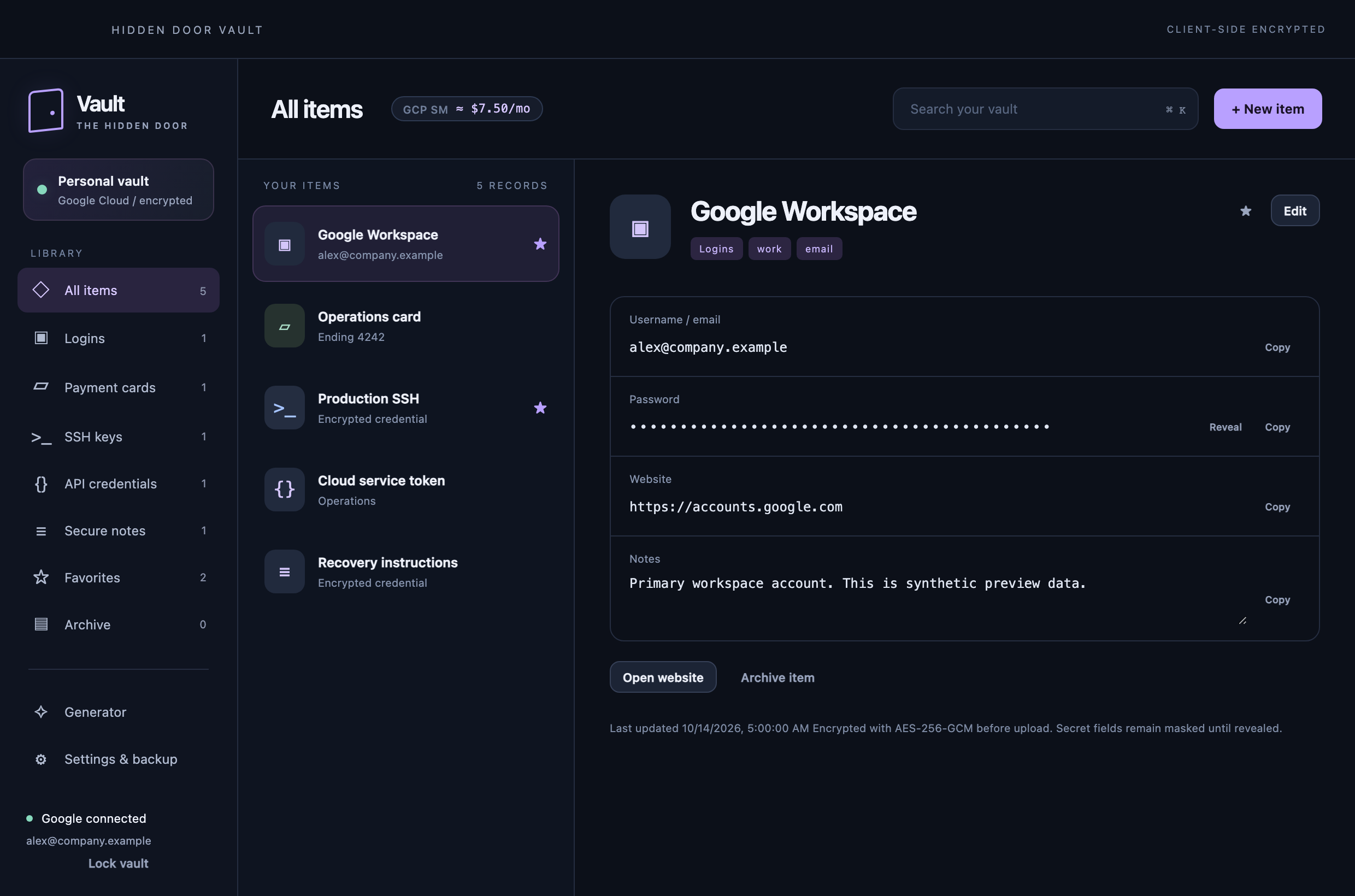
Keep credentials and documents behind your master password. Records and attachments are encrypted on your device before they reach your configured cloud storage.
Screenshots show the actual apps with sample data. See each repository for the current build, setup, and supported features.
THE ARCHITECTURE OF OWNERSHIP
Your tools should still be useful when you close the tab, stop paying for an app, or disconnect the cable.
Understand the boundariesMarkdown is plain text. Image exports are ordinary files. Public source lets you inspect, build, and keep the tools you use.
Local writing and image work stay on your machine. Cache web pages before disconnecting. Vault credentials have an encrypted offline cache.
Your Vault encrypts records and file attachments locally. Google Cloud stores the encrypted copies; your master password unlocks the Vault.
The reader converts HTML to Markdown. Site JavaScript stays out of the reading view. This homepage also runs without JavaScript, analytics, or third-party assets.
STRONG BOUNDARIES. PLAIN LANGUAGE.
You can disconnect for local writing, image work, cached web reading, and cached credential access. Browsing new pages and cloud sync need a connection. Nebula does not automatically create an air gap or isolate your operating system. Vault attachments currently require an online unlock to open and save.
The four tools have public source under their respective licenses and no required app subscription. Vault setup uses your own Google Cloud project: Secret Manager for encrypted records and an optional GCS bucket for encrypted files. Provider storage, requests, and network charges can apply. The apps are self-built development tools, with setup instructions in their repositories.
Keep your Vault recovery code protected and separate. Encrypted Vault backups include attachment references and key material, not the file objects themselves. Retain the referenced bucket objects as well. An unlocked Vault cannot protect you from a compromised operating-system user session.
The reader fetches HTTPS content and sitemaps, converts it to Markdown, and renders without page JavaScript or embedded images. JavaScript-only pages can be incomplete. Forms, authenticated web sessions, PDFs, and media are outside this reader’s scope. No-script reading reduces what a page can run; it is not a promise of immunity from every vulnerability.
INSPECT IT. BUILD IT. MAKE IT YOURS.
Start with one tool.
Build a home around the way you work.